





If a customer’s security review has asked for your SOC 2 report, your written policies come first, because the auditor tests your controls against them. These 25 SOC 2 policy templates give your team a complete draft set. The sections below explain what SOC 2 compliance means, which report type to plan for, and how to take each policy from template to audit evidence.
Key takeaways:
- SOC 2 is an AICPA attestation: an independent CPA firm examines your controls and issues the report.
- Type I covers control design on one date; Type II adds operating effectiveness over a period.
- The 25 templates below are drafts: adapt each one to your scope, owners and real processes.
- Move every policy through creation, adoption and control mapping before the auditor starts testing.
There is no official set of SOC 2 policies: the AICPA defines the criteria, and each organization writes policies that fit its own conditions, controls and processes. Two companies in the same industry can need different rules, so treat every template below as a draft to adapt to your own risks, threats and control environment.
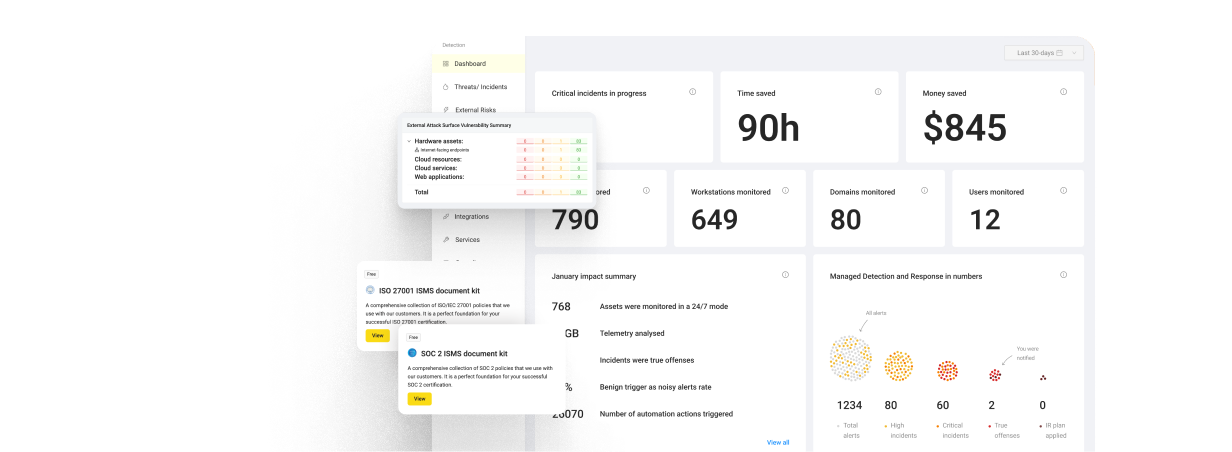
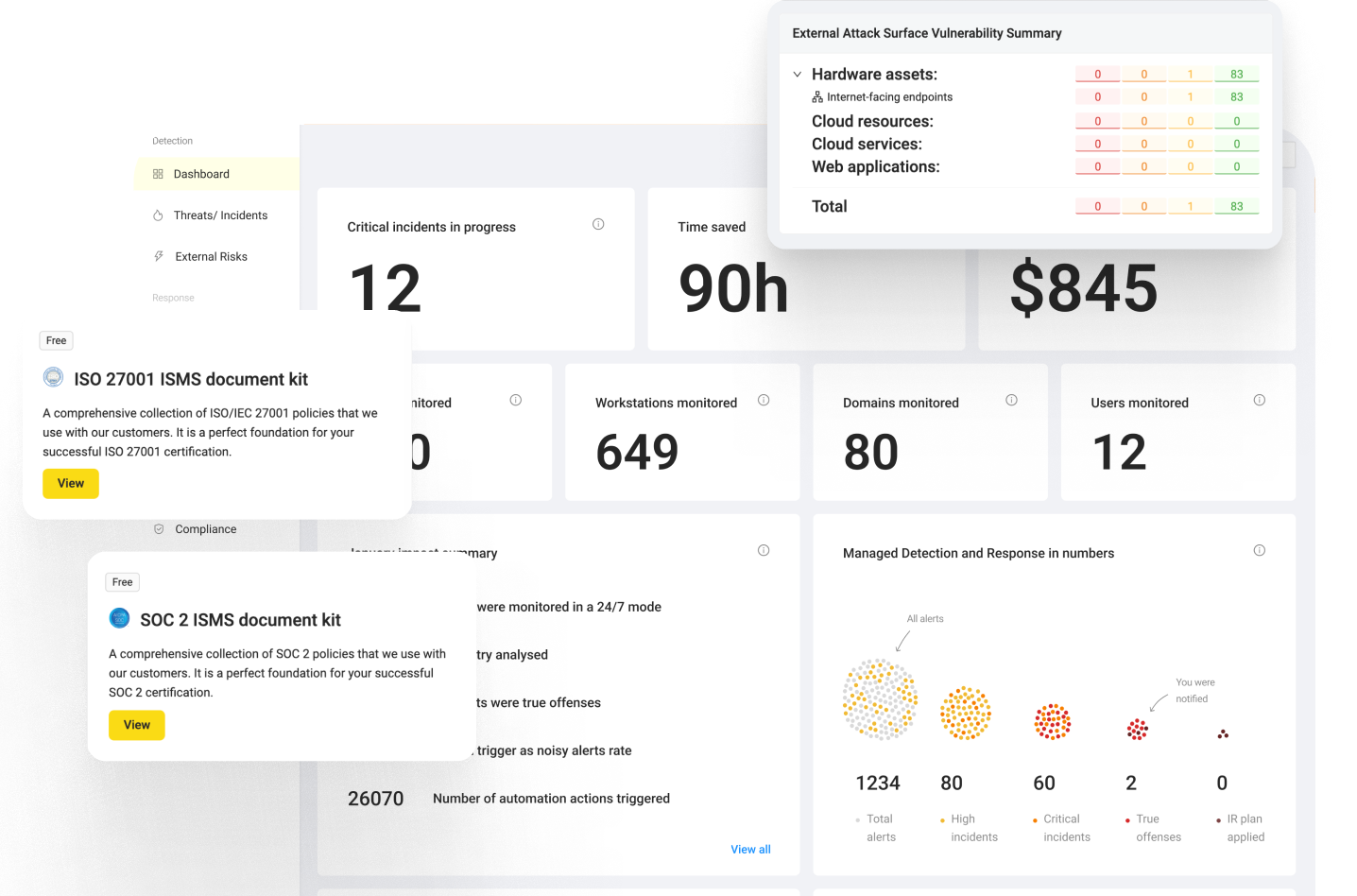
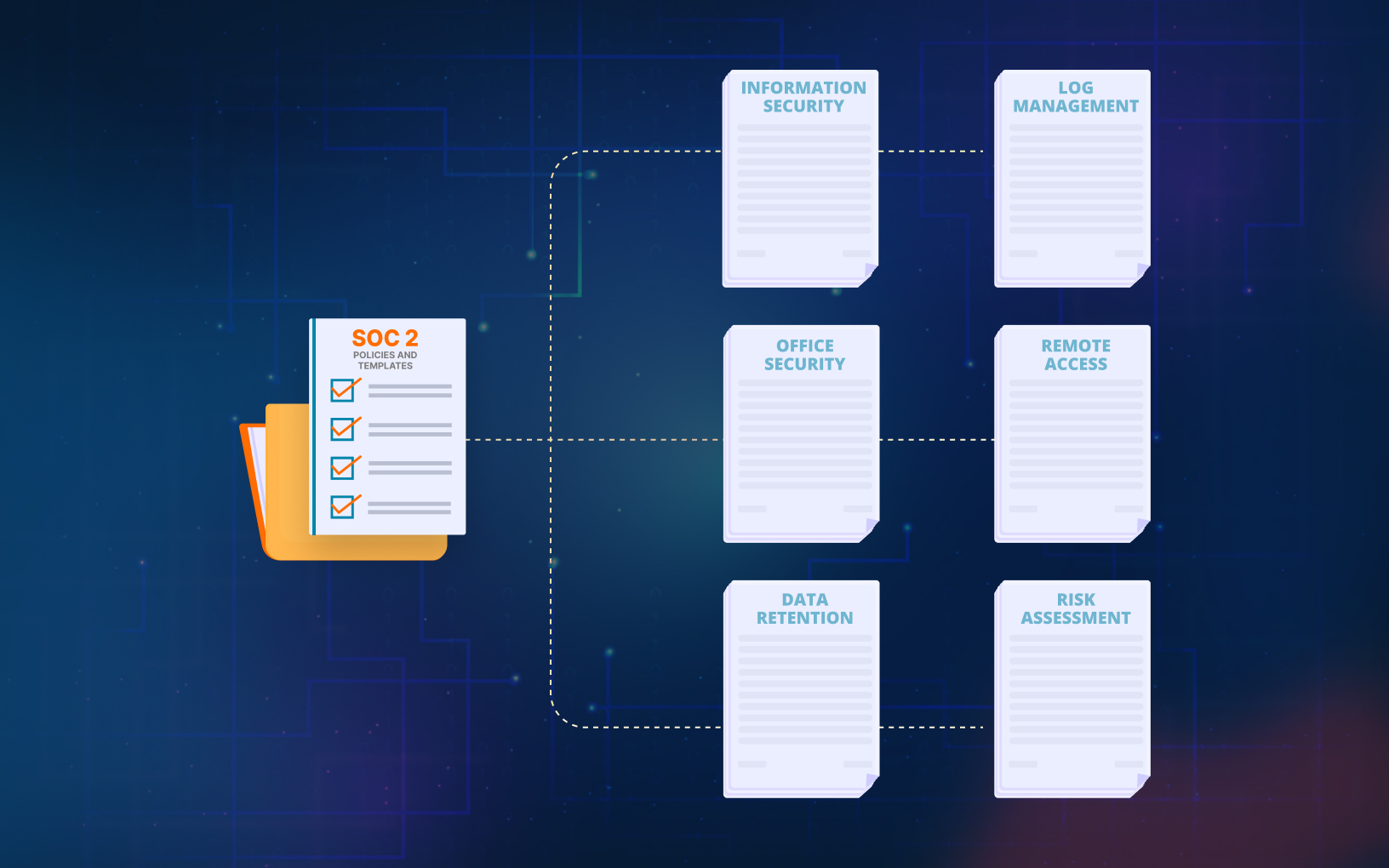
UnderDefense MAXI Compliance AI: 25 ready-to-edit policy templates to start your audit preparation
What Is SOC 2 Compliance?
SOC 2 compliance means an independent CPA firm has examined your controls against the AICPA’s Trust Services Criteria (2017 edition, points of focus revised in 2022) and issued a SOC 2 report with its opinion. The criteria cover five categories: Security, Availability, Processing Integrity, Confidentiality and Privacy.
Strictly, SOC 2 (also written SOC2) is an examination with a report at the end. As the AICPA’s Journal of Accountancy explained in February 2026, CPAs perform SOC examinations under the AICPA’s attestation standards to evaluate whether controls are suitably designed and operating effectively, and compliance is a term SOC 2 examinations never use.
Your customers ask for the report because it gives their vendor risk teams the detail they need about how you protect their data. The policies on this page are the written half of your controls, and the CPA firm tests whether your team follows them. The SOC 2 compliance basics explain who asks for a report and how an audit runs.
SOC 2 Type I vs Type II
A SOC 2 Type I report covers whether your controls are suitably designed as of a single date. A Type II report, often written SOC 2 Type 2, also covers whether those controls operated effectively over a period, which the CPA firm tests with samples from that window. The AICPA publishes separate illustrative management representation letters for Type 1 and Type 2 examinations under attestation standard AT-C section 205.
Microsoft’s description of its own Azure SOC 2 Type 2 report shows the difference in practice: the opinion covers whether controls were in operation on a specified date and operating effectively over a specified time period. If a customer contract names Type II, a Type I report buys time, so plan the observation period right behind it.
SSAE 16 vs SSAE 18
SSAE 18 is the standard that applies today. SOC examinations follow the AICPA’s Statements on Standards for Attestation Engagements, and SSAE No. 18, Attestation Standards: Clarification and Recodification, recodified and superseded SSAE Nos. 10 to 17, SSAE 16 among them. The AICPA’s SOC 2 guide, updated in October 2022, also reflects SSAE No. 20 and No. 21. A SOC 2 proposal that still cites SSAE 16 is working from a superseded standard.
ISO 27001 vs SOC 2
ISO/IEC 27001:2022 defines the requirements an information security management system must meet, and an accredited certification body issues the certificate. SOC 2 has no certificate: a CPA firm reports on the controls of one system. Most of the 25 policies below serve both frameworks, and UnderDefense also publishes ISO 27001 policy templates for the ISMS side.
List of SOC 2 Policies
There isn’t a single correct method for organizing SOC 2 compliance documentation. The crucial aspect is to ensure that all relevant matters are addressed, and the documentation is arranged in a manner that enhances visibility and responsibility for the compliance process.
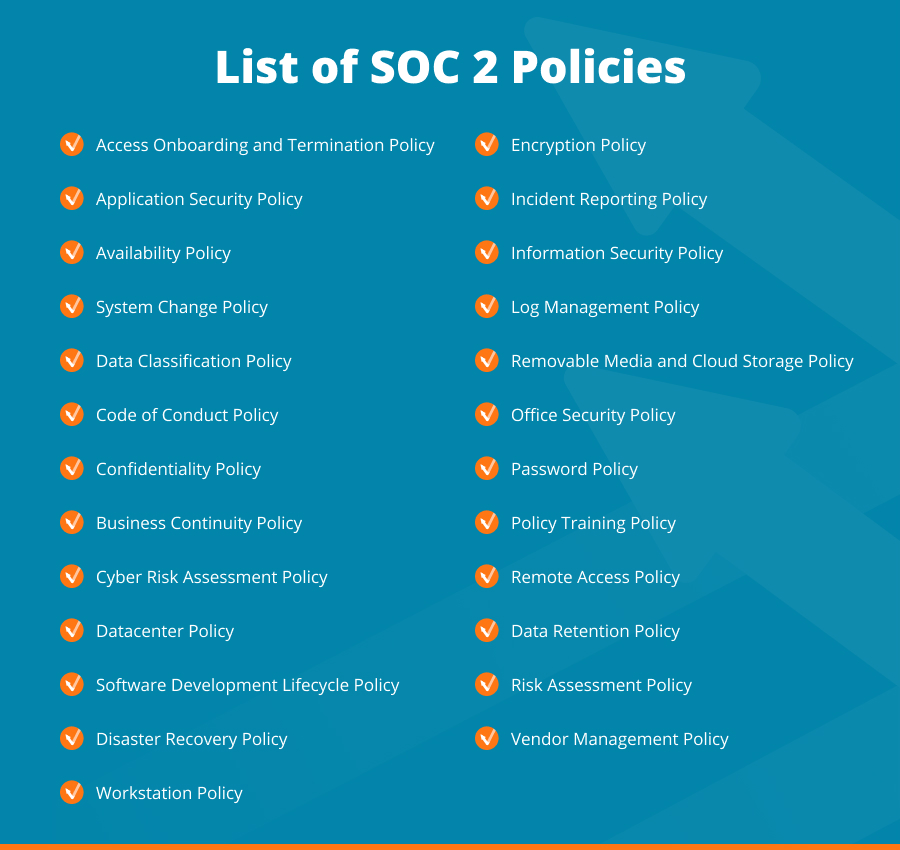
Each of the 25 templates below covers one policy area, with its purpose and the people it applies to:
1. Access Onboarding and Termination Policy
This policy outlines how to safely onboard and offboard users from technical infrastructure. It applies to all employees and contractors.
2. Application Security Policy
This policy outlines security requirements and controls for web applications in the organization’s production environment, including vulnerability scans and assessments. It applies to all applications, administrators, and users, including employees and contractors.
3. Availability Policy
This policy defines controls to ensure the availability of the organization’s information systems and applies to all users, including employees, contractors, and external parties.
4. System Change Policy
This policy outlines how changes to information systems are planned and implemented and applies to the entire information security program, including all employees, contractors, service providers, and temporary workers. Compliance with this policy is mandatory.
5. Data Classification Policy
This policy ensures information within the organization is protected at an appropriate level and applies to all individuals and systems with access to information, regardless of its form. It covers the entire information security program.
6. Code of Conduct Policy
This policy outlines expected behavior towards colleagues, supervisors, and the organization, emphasizing respectful and collaborative behavior, and applies to all employees and contractors.
7. Confidentiality Policy
This policy mandates that employees, board members, investors, and contractors keep confidential information about clients, partners, and the company secure.
8. Business Continuity Policy
This policy aims to minimize major disruptions to the organization’s key business activities by establishing objectives, plans, and procedures. It applies to all infrastructure and data in the information security program, and to all management, employees, and suppliers involved in decision-making related to business continuity.
9. Cyber Risk Assessment Policy
The policy outlines procedures to assess and treat information security risks within the organization and defines an acceptable level of risk. It applies to all information systems and personnel involved in risk assessments within the organization.
10. Datacenter Policy
The policy defines security procedures for data centers and secure equipment areas, including cloud-hosted providers. It applies to all management, employees, and suppliers operating in these facilities.
Turn SOC 2 Policies Into Audit Evidence
MAXI Compliance AI: policy templates plus continuous mapping of your security data to SOC 2
11. Software Development Lifecycle Policy
This policy defines requirements for maintaining baseline protection standards for company software, network devices, servers, and desktops. It applies to all users involved in software development, system administration, and management within the organization, including employees, contractors, and external parties. The policy also applies to enterprise-wide systems and applications developed by or on behalf of the organization.
12. Disaster Recovery Policy
This policy outlines procedures for recovering IT infrastructure and services within set deadlines during a disaster or disruptive incident. It applies to all resources and processes necessary for service and data recovery and covers all information security aspects of business continuity management.
13. Encryption Policy
This policy outlines the requirements for using cryptographic controls to protect information confidentiality, integrity, authenticity, and non-repudiation. It applies to all systems, facilities, and information covered by the organization’s security program, everyone involved with cryptographic systems or keying material, including employees, contractors, and service providers, must comply with the policy.
14. Incident Reporting Policy
This policy aims to establish measures for detecting and responding to security vulnerabilities and breaches. It also provides instructions for incident response, including definitions, procedures, responsibilities, and performance measures. The policy applies to all users of the organization’s information systems, including employees, and contractors.
15. Information Security Policy
The policy outlines the purpose, principles, objectives, and basic rules for managing information security within the organization. It also provides procedures for implementing high-level security measures, including definitions, procedures, responsibilities, and performance measures. The policy applies to all users of the organization’s information systems, including employees, contractors, and external parties.
16. Log Management Policy
The policy outlines the requirements for generating, storing, processing, and aggregating audit logs across the organization’s production network to detect potential compromises. The policy applies to all information systems within the network and to all employees, contractors, and partners who administer or provide maintenance on these systems, referred to as system administrators.
17. Removable Media and Cloud Storage Policy
This policy sets objectives, requirements, and implementing instructions for storing data on removable media, cloud systems, and personally-owned devices, regardless of data classification. The policy applies to all information and data covered by the organization’s security program, as well as all removable media, cloud systems, and personally-owned devices owned or controlled by the organization. It applies to all users of the organization’s information systems, including employees, contractors, and external parties.
18. Office Security Policy
This policy defines the rules for controlling, monitoring and removing physical access to the company’s facilities. It applies to all staff, contractors, or third parties who need access to any physical location owned or occupied by the company. A separate policy governs access to the company data center.
19. Password Policy
The policy outlines procedures for selecting and managing passwords securely. It applies to all employees, contractors, and personnel who have accounts on any system located in the company facility or who have access to the company network.
20. Policy Training Policy
This policy outlines the requirements for educating employees and contractors about company policies. It applies to all full-time and part-time employees, as well as contractors, and adherence to assigned policies is binding under their employment or contractor agreement.
21. Remote Access Policy
This policy defines the requirements for connecting to the organization’s systems and networks from remote hosts, including personally-owned devices, to minimize data loss and exposure.
22. Data Retention Policy
This policy defines the objectives and requirements for data retention within the organization, covering all data regardless of the medium it is stored in. It applies to all users of the organization’s information systems, including employees, contractors, and external parties, and must be made readily available to all users. The policy refers to the medium holding data as information, regardless of its form.
23. Risk Assessment Policy
This policy establishes the procedures for assessing and managing information security risks within the organization. All employees involved in risk assessment and management must adhere to this policy.
24. Vendor Management Policy
This policy outlines guidelines for the organization’s relationship with its Information Technology (IT) vendors and partners. It applies to all IT vendors and partners who may affect the organization’s technology and sensitive information, as well as employees and contractors responsible for managing these relationships.
25. Workstation Policy
This policy provides guidelines to minimize the risk of data loss or exposure through workstations and is applicable to all employees and contractors. Workstations refer to all devices, whether owned by the company or personnel, that contain company data.
MAXI Compliance AI: policy templates, evidence collection and vCISO support for your audit
Three Stages of a SOC 2 Policy: Creation, Adoption and Control Mapping
A template solves the blank page, and most of the work comes after it. Every SOC 2 policy passes through three stages: you write it, your people follow it, and an auditor traces it to a control with evidence. Each stage stalls for its own reason, so fix each problem in the stage where it starts.
Stage 1: Creation
Creation starts with scope. Decide which system, products and business lines the report will cover before you edit a single template; scope is hardest to set in organizations with complex systems or several business lines. Then choose the Trust Services Criteria in scope. Drafting all five at once is slow and expensive, and this SOC 2 budget breakdown shows where the time and money go.
Adapt each template to the way your team works, delete what does not apply, and name one owner per policy. Generic text carries a real cost: in the same February 2026 feature, members of the AICPA’s SOC 2 Working Group warned that business partners spot cookie-cutter SOC 2 reports, and a rejected report fails the contract it was bought for.
Stage 2: Adoption
A policy counts at audit time only when people follow it. SOC 2 policies touch IT, security, legal, HR and compliance, so a policy written by one department and ignored by the others fails at testing. Get management approval for each policy, collect signed acknowledgments from the people it covers, and train them on it.
Keep each policy short enough to follow. When a procedure changes, update the policy in the same week, because the auditor compares the written rule with what your team actually did.
Stage 3: Control Mapping
Control mapping ties every policy to the criteria it supports, the controls that put it into practice and the evidence that proves those controls ran. This is the stage where teams most often struggle to set up testing and monitoring that covers every area in scope. The table shows the mapping for five of the 25 policies.
| Policy | Example control | Evidence the auditor asks for |
|---|---|---|
| Access Onboarding and Termination | Access removed when someone leaves | Offboarding tickets, access review records |
| System Change | Changes reviewed before release | Change tickets, pull request approvals |
| Log Management | Security logs collected and reviewed | Retention settings, log review records |
| Vendor Management | Vendors assessed before contract | Vendor risk assessments, vendor SOC 2 reports |
| Incident Reporting | Incidents logged and handled | Incident tickets, post-incident reviews |
For a Type II report, the evidence has to cover the whole observation period. Collect it as each control runs, from your ticketing, identity and logging systems, and the weeks before fieldwork stop being a scramble for screenshots.
Does Your Team Need SOC 2 Training?
Yes, at two levels. Everyone in scope needs short, recurring training on the policies that apply to them, with completion records and signed acknowledgments your auditor can sample. The Policy Training Policy in the list above sets those rules.
The person who owns the audit also needs to know how the report itself works. The AICPA’s Key Elements of a SOC 2 Report video series for management, published in June 2025, walks through each section, from the auditor’s opinion to the tests of controls, and it helps when you review your own vendors’ reports too.
UnderDefense SOC 2 Policy Templates
If a customer deal now depends on a SOC 2 report and your policies still live in shared folders, the weeks before fieldwork go to chasing evidence. UnderDefense publishes these 25 SOC 2 policy templates for free, so your team starts from a full draft set and spends its time adapting each policy to how it really works.
The templates cover the written half of the audit. For the evidence half, MAXI Compliance AI maps your live security data to SOC 2 controls continuously, so when the auditor asks how a control ran during the period, your team shares a Trust Center link and nobody rebuilds a spreadsheet. The compliance pricing is published: a Free plan, then Starter from $499, Essential from $1,299 and Certified from $1,899 per month.
The CPA firm you choose still examines your controls and issues the report; MAXI Compliance AI keeps the evidence ready for that examination.
Start on the Free plan, paid plans from $499 per month
Prepare for Your SOC 2 Audit With UnderDefense
If your team has run a SOC 2 audit before, start with the free kit: request the policy templates and adapt them in-house.
If this is your first audit and nobody owns it full time, compliance readiness support from UnderDefense takes the preparation off your engineers’ desks. UnderDefense builds an agentic AI platform that unifies security operations and compliance on top of the stack you already own, and keeps real-time evidence ready for your auditors.
Before the audit, UnderDefense helps your team:
- Conduct a Readiness Assessment
- Define the Trust Services Criteria in scope
- Build a detailed Roadmap
- Adapt the SOC 2 policies to your organization
- Get a virtual CISO (vCISO) to guide each stage of audit preparation
- Choose compliance software that fits your audit scope, then install and configure it
- Conduct Security Awareness Training
- Conduct a Penetration Test if you have not done it yet
- Shortlist the independent CPA firm that will perform the audit
- Cover SOC 2 security monitoring controls with 24/7 monitoring from the UnderDefense Agentic AI SOC
If the audit date is already on the calendar, start with the readiness assessment: it shows which of the 25 policies your team still has to write and which controls have no evidence yet.
Bring your current policy list and the criteria in scope. Get a readiness assessment quote