
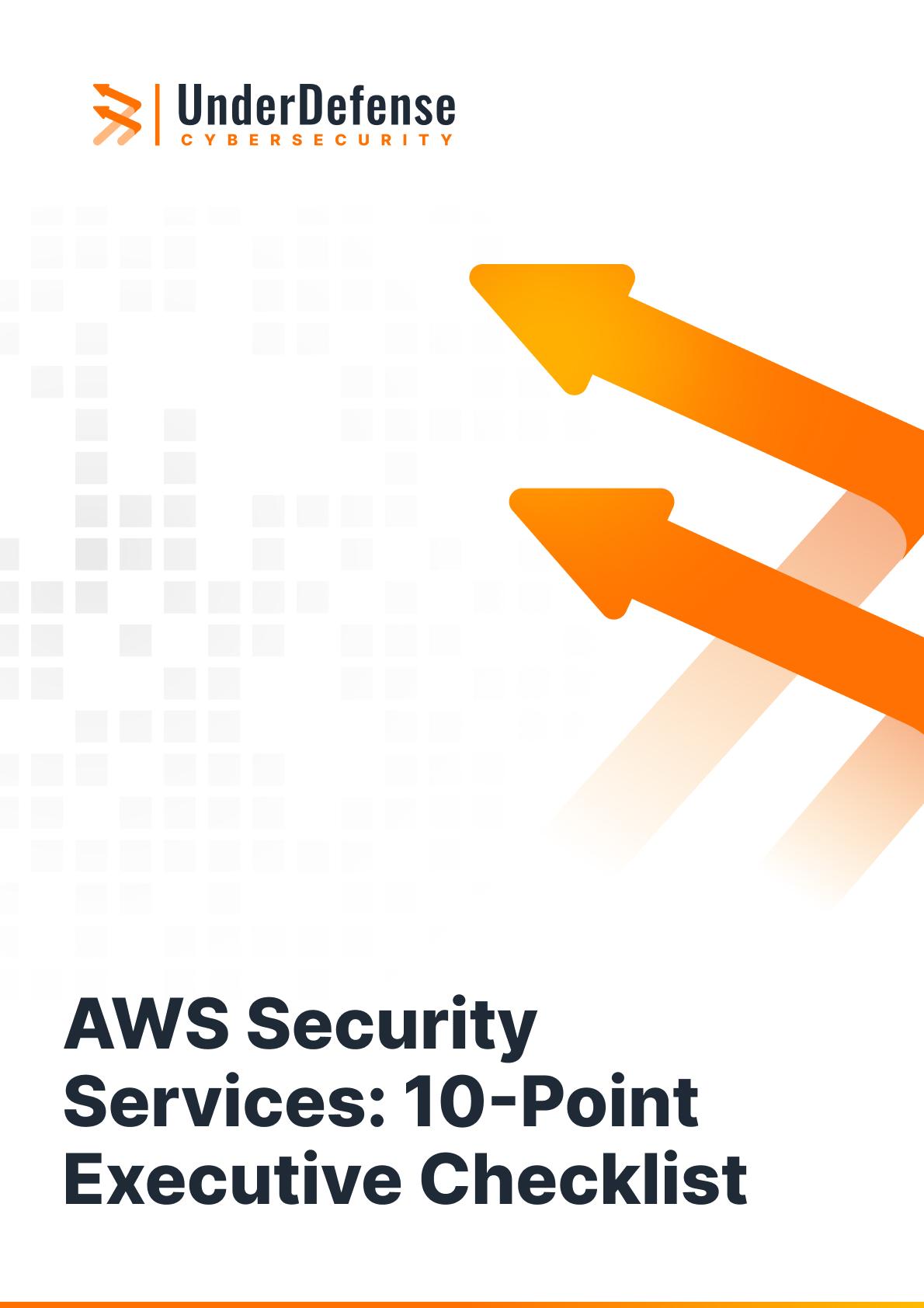
AWS Security Services: 10-Point Executive Checklist

Our AWS security checklist simplifies cloud security assessments, enhances visibility, and ensures team accountability.

The checklist is split into two sections—Log monitoring & management and Security compliance—so you can tackle both operational security and regulatory requirements.

  • 10 critical AWS security controls
  • Quick tasks for each control
  • Visual status indicators
  • Fields for gap tracking, ownership, and next steps
Why do you need our AWS security checklist?
Cloud security gaps are easy to overlook. Our checklist cuts through complexity to help you:
checkmark
Instantly evaluate your AWS environment
checkmark
Catch misconfigurations before they become vulnerabilities
checkmark
Align with proven frameworks and best practices
checkmark
Keep teams unified on what “secure” actually looks like
Get the AWS Security Services Checklist
What’s inside?
checkmark
10-point security snapshot with room to assess and track each control
checkmark
Notes column to document deviations or missing configurations, and assign next steps
checkmark
Plain-language format ideal for executive briefings, audits, compliance kickoffs, or MDR onboarding
checkmark
Alignment with standards like CIS AWS Foundations, NIST CSF, AWS Well-Architected, and more
When to use our checklist
checkmark
Share a concise, easy-to-understand snapshot of your cloud security posture with boards and executives
checkmark
Benchmark your controls against leading frameworks like NIST CSF or CIS AWS Foundations during internal audits and risk reviews
checkmark
Establish a solid foundation for MDR/XDR onboarding, cloud hardening, or compliance initiatives (SOC 2, ISO 27001, HIPAA) when launching security programs
checkmark
Centralize status updates, accountability, and next steps to unite Security, DevOps, and Compliance teams
Ready to take control of your AWS security posture?
Download the checklist to stay compliant, reduce risk, and lead with confidence.
Get the AWS Security Services Checklist

Why choose UnderDefense for your AWS Security

Our AWS expertise delivers proactive protection, not just alerts, keeping your cloud defenses agile and one step ahead of threats.

What makes us different:

  • AWS-focused, human-led, AI-augmented response
  • 24/7 protection across all AWS accounts and regions
  • Optimization of your existing AWS tooling (GuardDuty, Security Hub, CloudWatch, and more) through AWS cost optimization strategies
  • Full control over your AWS accounts, keys, and data, always under your governance
  • Custom AWS detections and proactive threat hunting
  • Transparent SLAs with clear accountability

Ready to forecast your AWS security spend?
Download the AWS security services cost estimator and talk to our experts to turn numbers into actionable plans.
Talk to an Expert

Frequently asked questions

What are AWS Security Services?

AWS Security Services are a suite of tools offered by Amazon Web Services to help organizations protect their cloud infrastructure. These include services like AWS Identity and Access Management (IAM), Amazon GuardDuty, AWS Config, AWS Security Hub, and AWS Key Management Service (KMS), all designed to address different aspects of cloud security from access control to threat detection.

What’s the difference between AWS Security Hub and GuardDuty?

AWS Security Hub is a central dashboard that aggregates security alerts and compliance status across AWS accounts. Amazon GuardDuty is a threat detection service that continuously monitors for malicious activity and unauthorized behavior in your AWS accounts. Security Hub can consolidate findings from GuardDuty and other tools for a unified view.

How can I ensure compliance using AWS Security Services?

AWS offers native integrations with compliance frameworks like CIS AWS Foundations Benchmark, NIST CSF, ISO 27001, and SOC 2. Services like AWS Config, Security Hub, and Audit Manager help assess, monitor, and document your security and compliance status in real time.

Do I need third-party tools if I’m using AWS-native security services?

Not necessarily. AWS-native tools are robust and often sufficient for most use cases. However, some organizations integrate third-party solutions for extended capabilities like advanced analytics, SIEM integration, or industry-specific compliance reporting. UnderDefense helps you get the most from AWS-native tools before considering add-ons.

What is the best practice for monitoring AWS security?

Best practice involves using a layered approach with AWS native tools: enable GuardDuty for threat detection, centralize alerts in Security Hub, monitor configurations with AWS Config, and use CloudWatch for real-time alerts. Regularly review IAM permissions to enforce least privilege. Our checklist helps unify these steps for clear visibility and control.